User Interface Guide and Navigation
User Guide
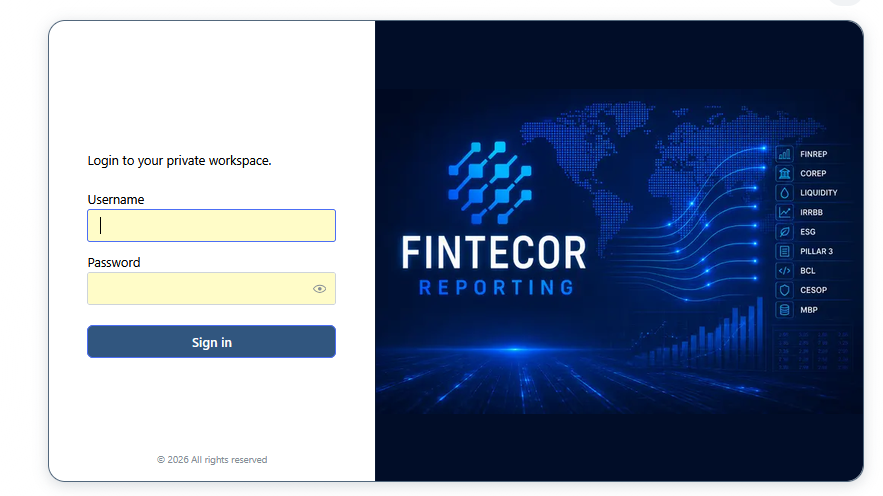
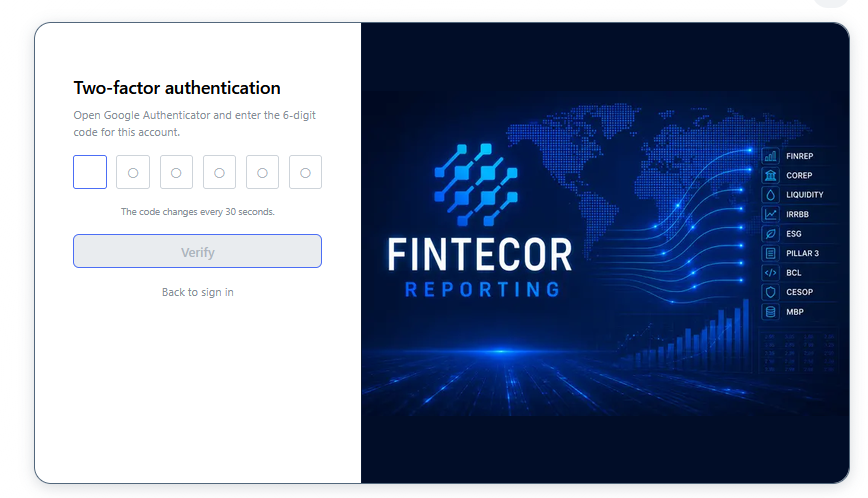
Login page and Two-factor authetication
Context: Two-step login process for authenticating user access to the Fintecor Reporting platform.
Key Components & Elements:
-
Primary Login Card: Form inputs for Username and Password, an environment/tenant selector, and the primary session submit button.
-
Secondary MFA Verification: One-time passcode (OTP) input control, step-by-step security prompt, and passcode retry/resend options.


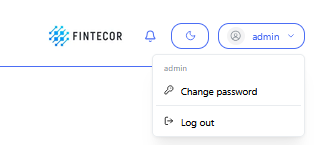
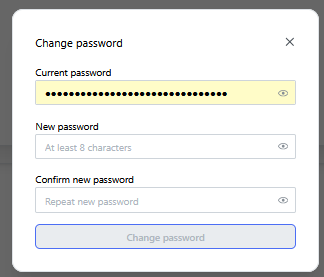
Logout and Password Change
- Logout and password change for user:
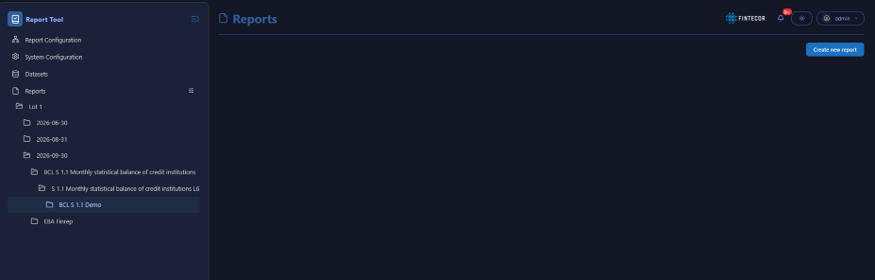
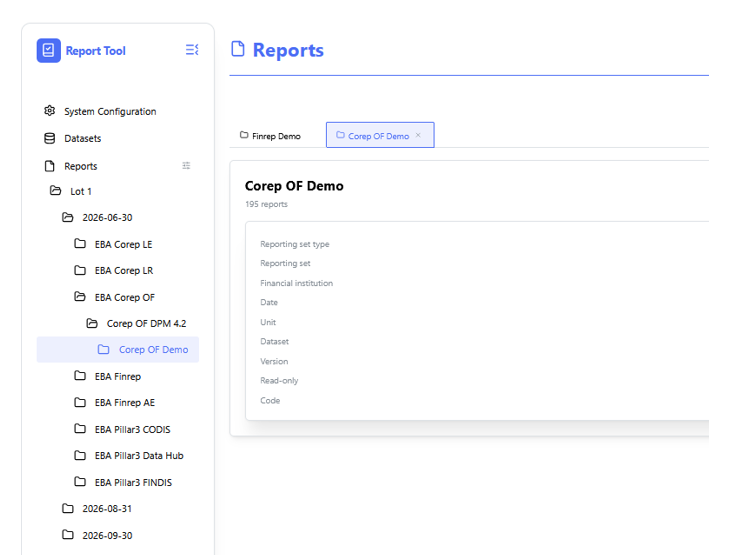
Navigation structure
Context: A full-height view of the primary left-hand navigation sidebar menu within the reporting application.
- Key Components & Elements:
-
Hierarchical Tree Structure: Displays parent and nested menu items organized by system functional areas, including System Configuration, Datasets, and Reports.
-
Active Selection State: Highlights the currently active navigation item or folder path within the interface tree.
-
Report Configuration is not available
-
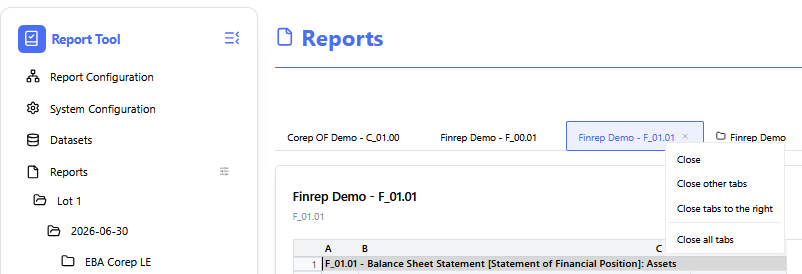
- Closing all opened tabs:
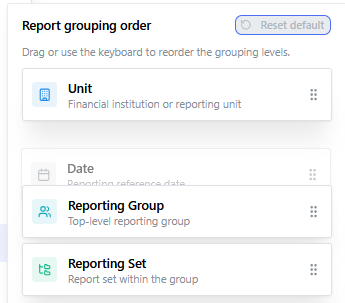
- Reporting group ordering
In order to change ordering in Reports part click on the icon.
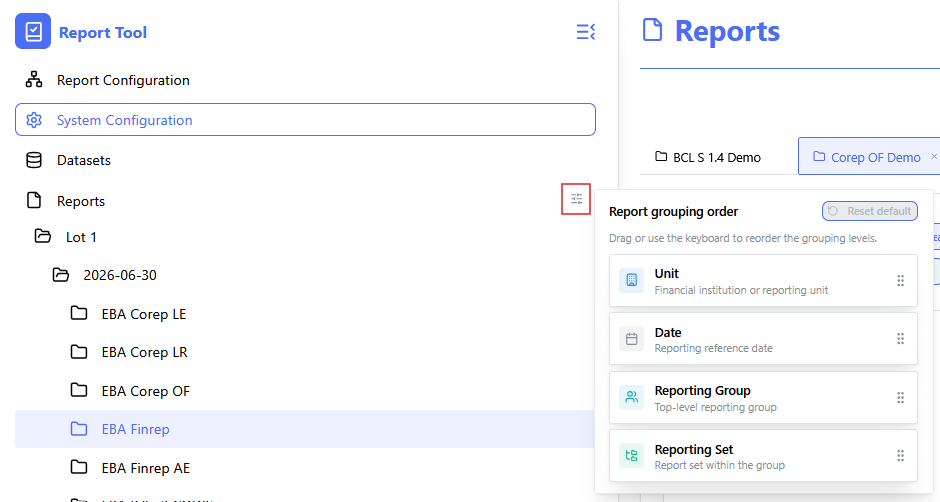
Drag and drop levels of ordering.
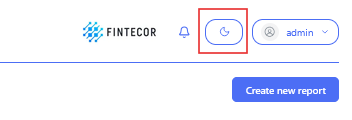
Night Mode
Context: Day and Night mode switch.
-
Key Components & Elements:
-
Theme Switcher: Displays the upper right-hand corner control button used to toggle between light and dark visual themes.
-