Understanding Users, Roles, and Permissions
A FintEdge user is an account that stores the credentials, personal details, assigned role, and permission set interacting with the system.
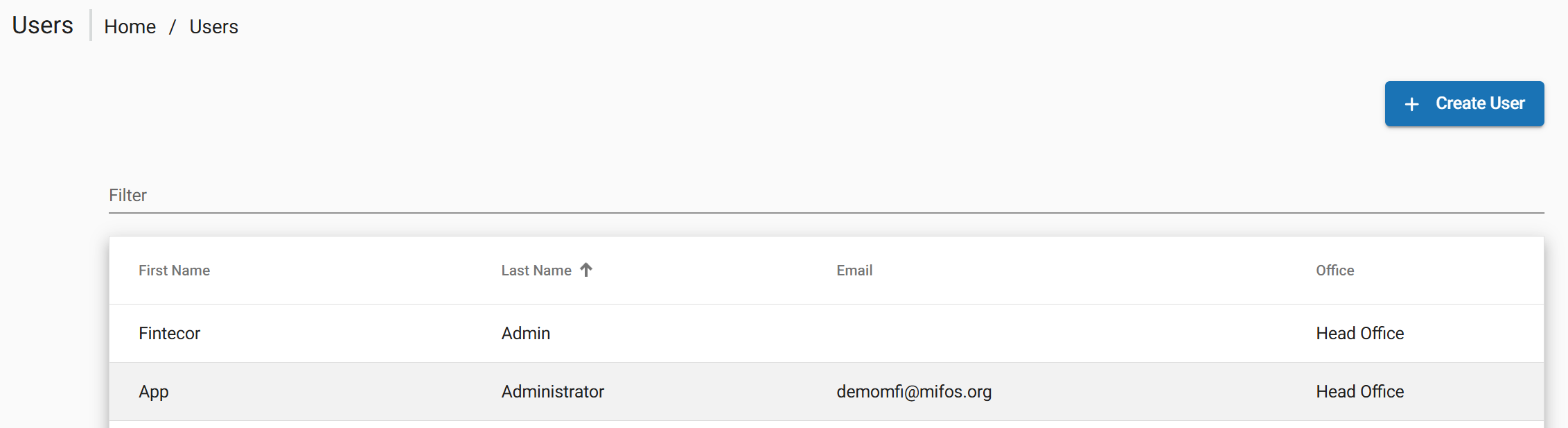
The complete list of users can be found by navigating to Admin > Users.
Manage Roles and Permissions are the fundamental unit of access control in FintEdge accessed by:
Admin > System > Manage Roles and Permission
Creating a User
New user can be created from the top navigation bar:
• Go to Admin> Users and choose Create User.
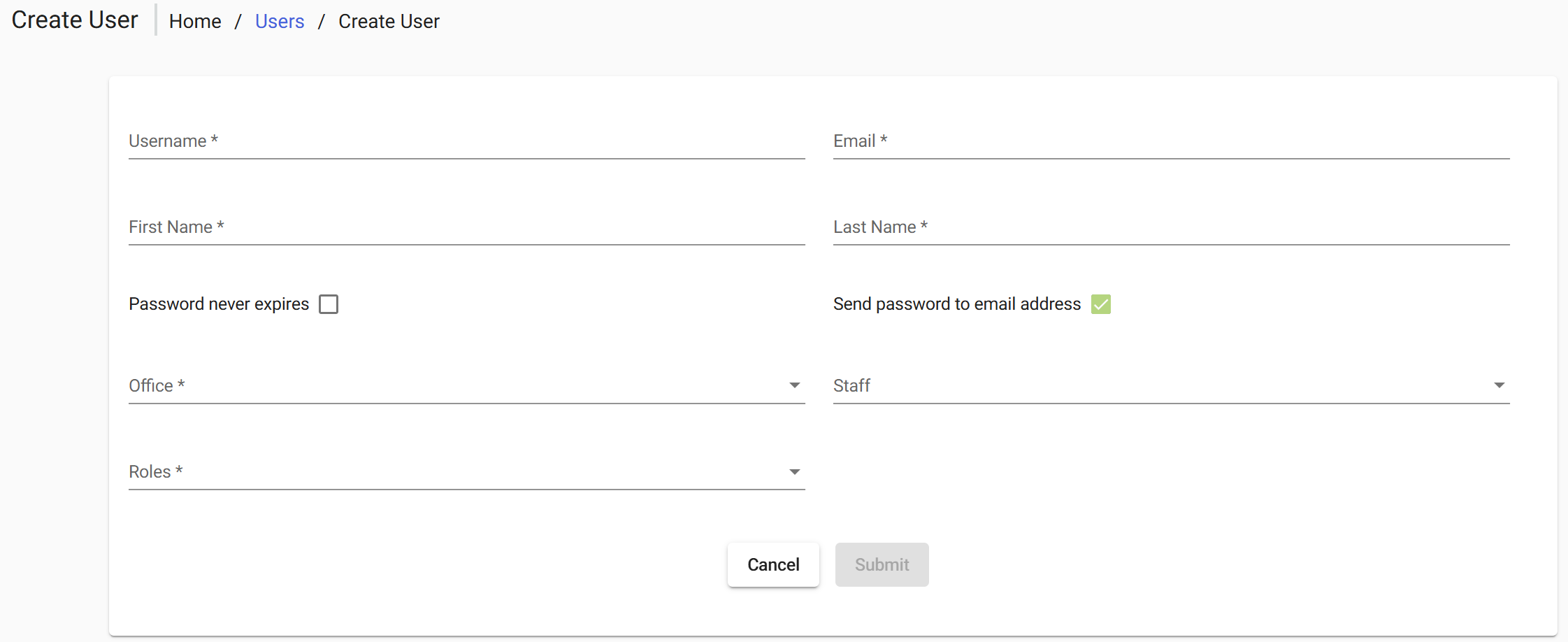
In general section complete all required fields in the dialog and select Submit to confirm.
Editing and Deleting User Accounts
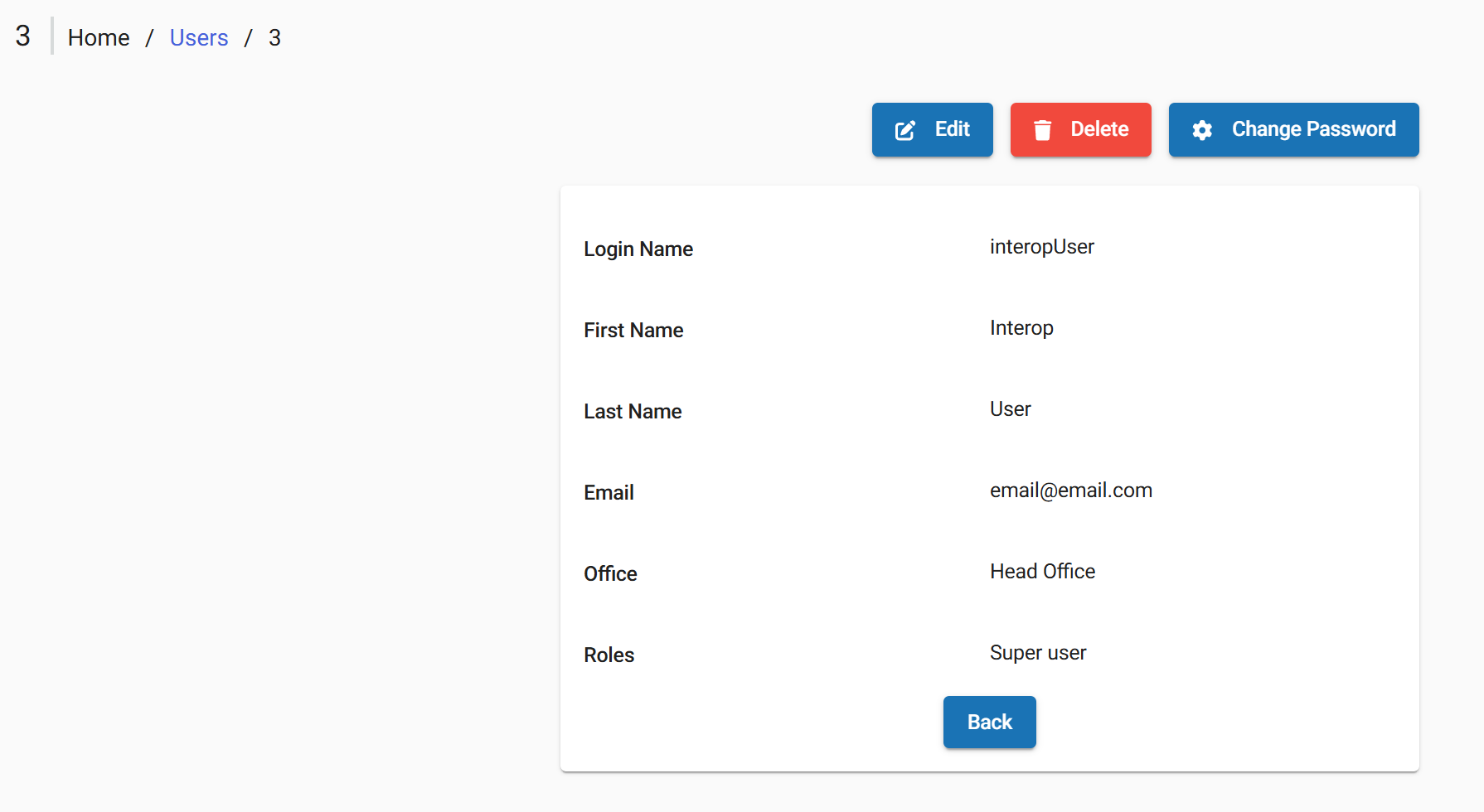
After user created the following actions are available via buttons at the top of the screen:
- Back Returns the user to the previous screen (e.g., user list)
- Edit Opens the user profile in edit mode to modify user details
- Delete Removes the user from the system
- Change Password Allows setting or resetting the user’s password