Export Formats, Regulatory Submissions & Audit Trails
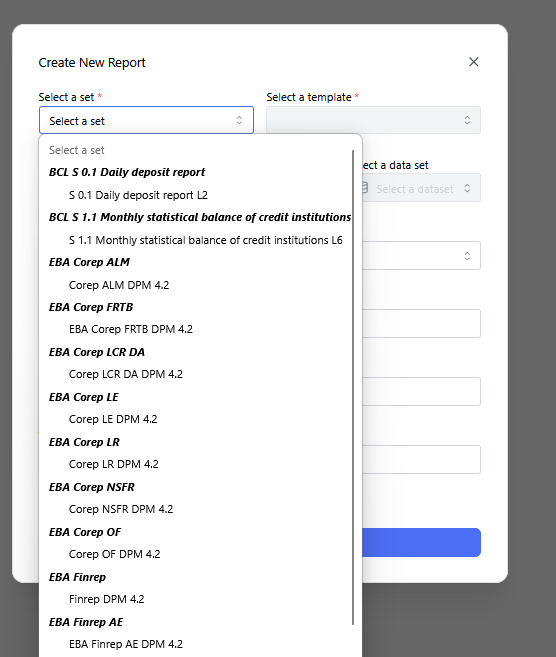
Create New Report dialog with the "Select a set" dropdown open, listing available regulatory reporting sets and templates (BCL, EBA Corep, EBA Finrep, etc.).
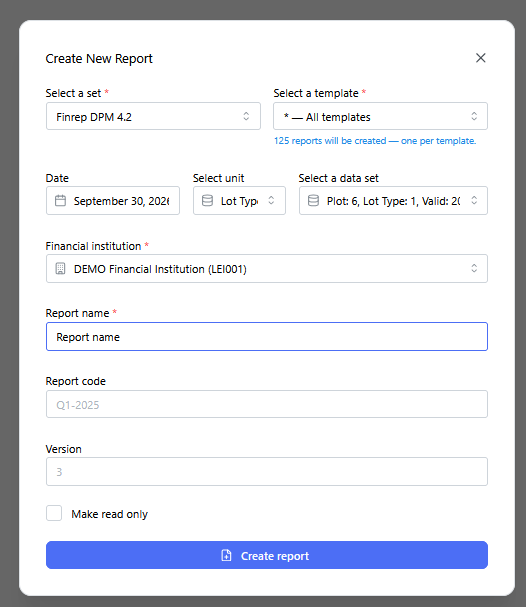
Create New Report dialog fully filled out, showing template selection (All templates), date, unit, dataset, financial institution, report name, code, and version fields before generation.
Notification confirming successful bulk report generation ("125 reports created successfully").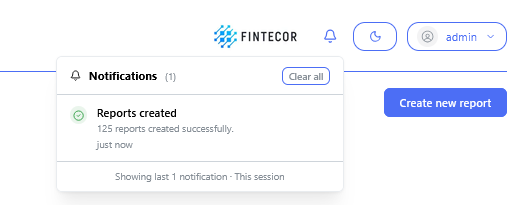
Reports overview page for a reporting set ("Finrep Demo"), showing set-level actions: Rename, Create copy, Compare, Import/Download full set, Lock/Unlock all, Delete all, Generate delivery file, and Validate.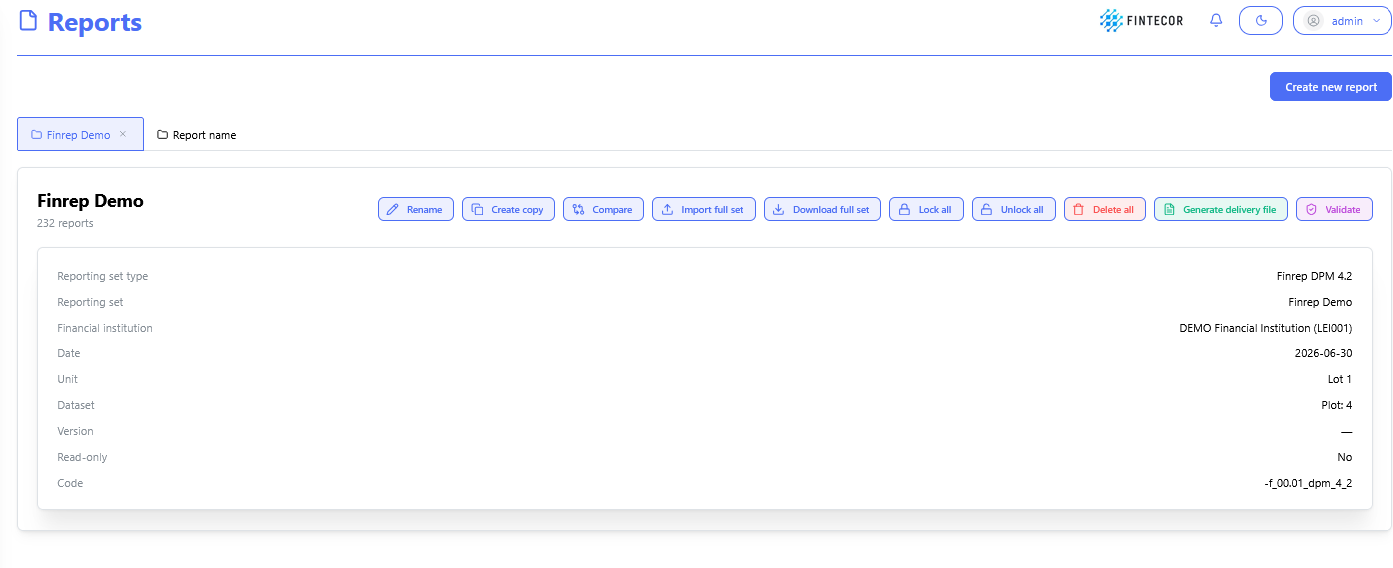
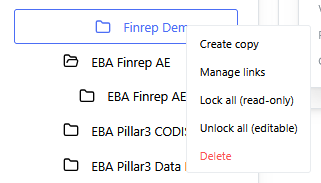
Right-click context menu on a reporting set folder, showing Create copy, Manage links, Lock all (read-only), Unlock all (editable), and Delete options.