Creating Reports
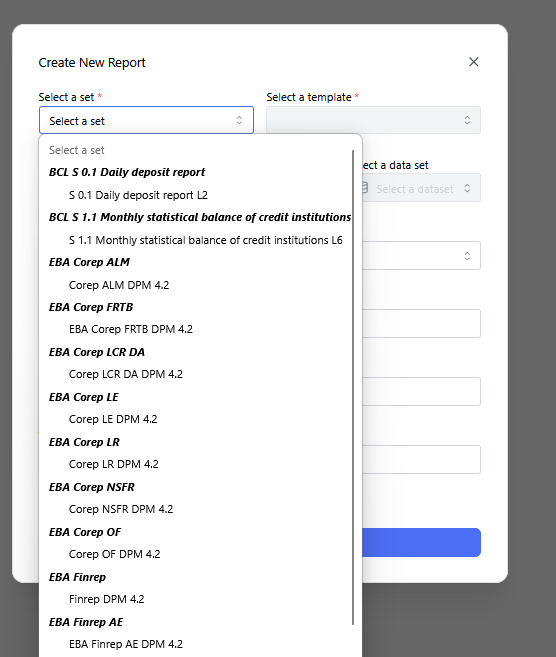
Context: The "Create New Report" dialog modal with the "Select a set" drop-down menu expanded.
-
Key Components & Elements:
-
Displays available regulatory frameworks and reporting sets (such as BCL, EBA COREP, EBA FINREP, etc.).
-
Allows users to select the foundational regulatory template structure for building new report packages.
-
-
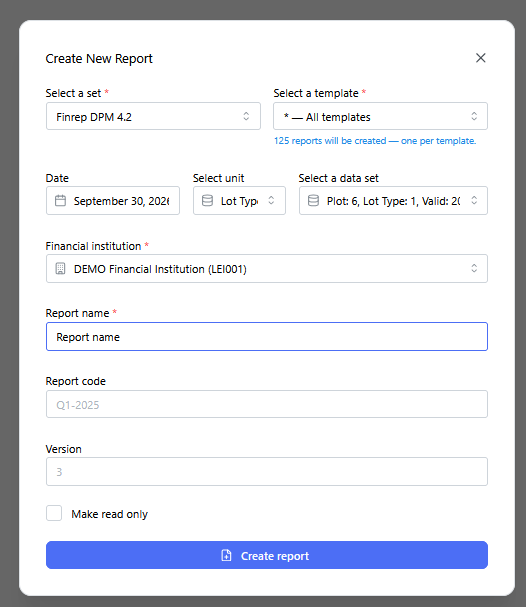
Context: The "Create New Report" dialog modal fully populated before triggering generation.
-
Key Components & Elements:
-
Configuration Fields: Shows filled inputs including template scope ("All templates"), reporting date, unit scale, dataset selection, financial institution, report name, unique code, and version identifier.
-
Submit Action: Primary action button to execute report populating and compilation.
-
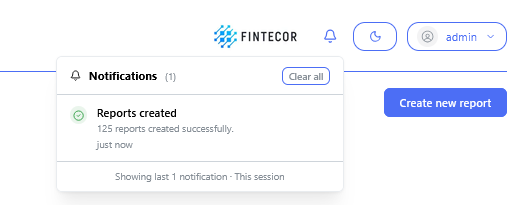
Context: Interface toast notification / status banner following batch creation.
-
Key Components & Elements:
-
Confirmation Banner: Displays a green success indicator with the system message: "125 reports created successfully".
-
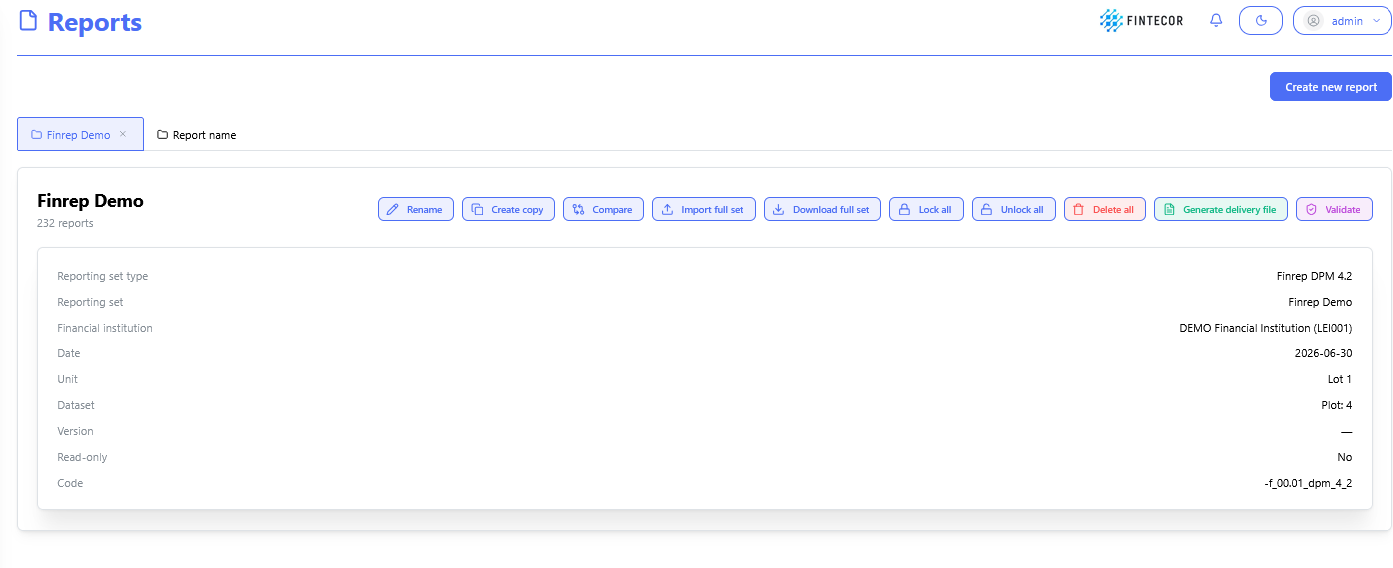
Context: Overview dashboard for an active reporting set package (e.g., "Finrep Demo").
-
Key Components & Elements:
-
Set-Level Controls: Top action bar offering tools to Rename, Create copy, Compare, Import / Download full set, Lock / Unlock all, Delete all, Generate delivery file, and run Validate.
-
Status Table: Lists individual reports contained within the set alongside their validation status and editing state.
-
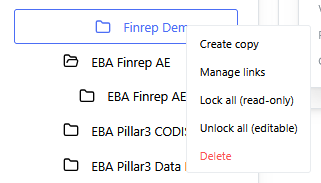
Context: Right-click context menu active on a reporting set folder in the navigation tree.
-
Key Components & Elements:
-
Management Actions: Direct options including Create copy, Manage links, Lock all (sets read-only mode), Unlock all (enables editing), and Delete.
-