System General Configurations
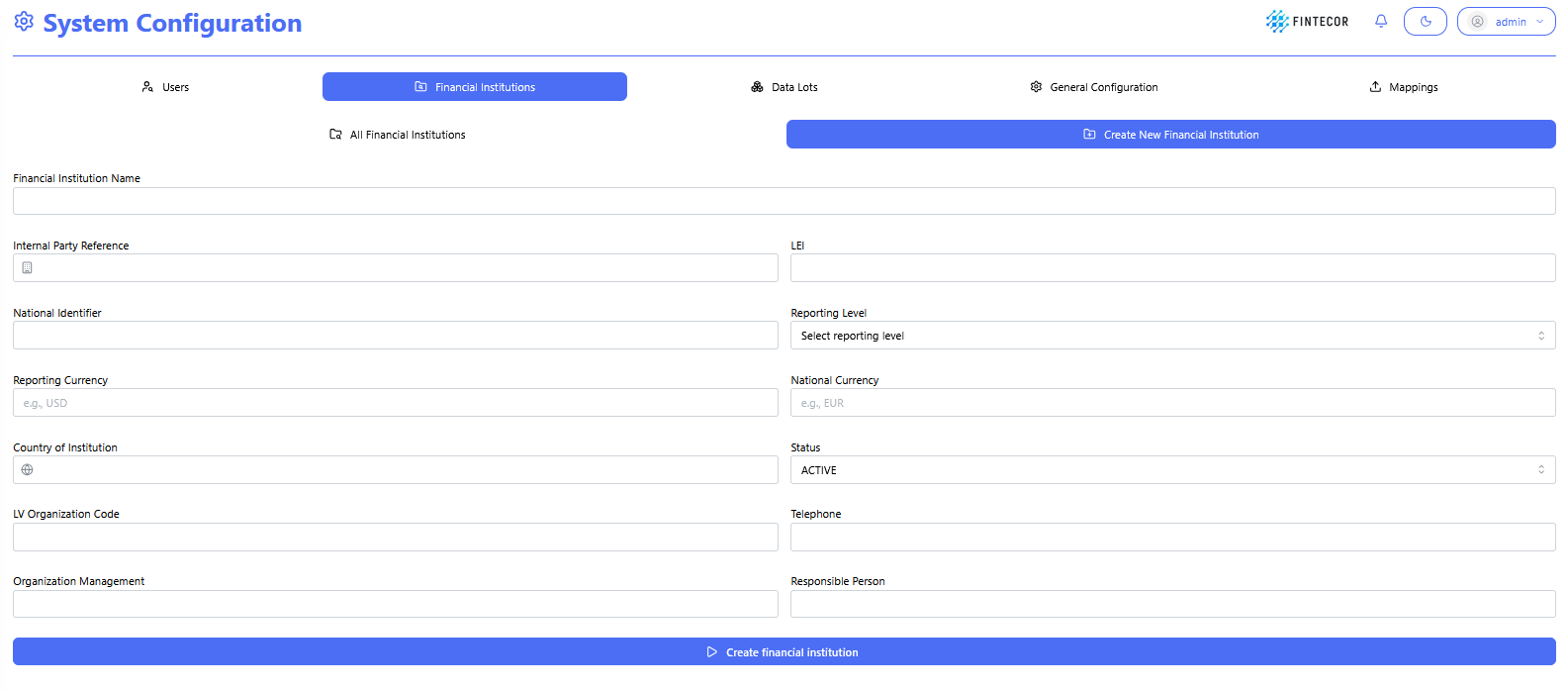
Context: Setup form under System Configuration used to capture institution-level regulatory metadata.
-
Key Components & Elements:
-
Identification Fields: Input controls for Legal Entity Identifier (LEI) and National Identifier.
-
Regulatory Parameters: Dropdown selections for Reporting Level, Reporting/National Currency, and Country.
-
Status Controls: State toggles defining active/inactive institutional reporting statuses
-
Context: Administrative overview table displaying configured financial institution records (e.g., DEMO Financial Institution).
-
Key Components & Elements:
-
Institutional Data Columns: Displays LEI, assigned reporting level, and base currencies.
-
Audit Metadata: Tracks user history including "Created by" and "Modified by" admin tags.
-

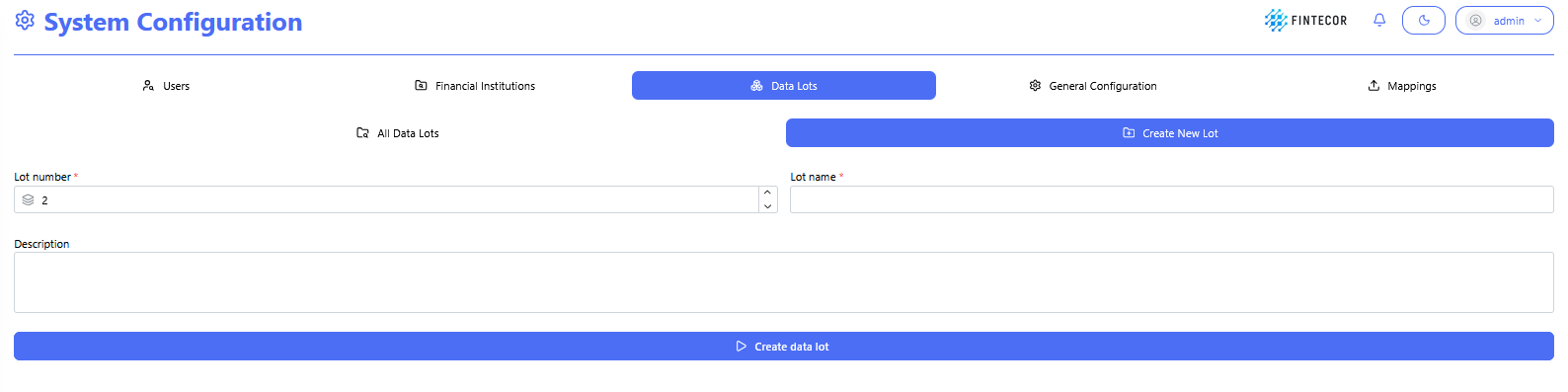
Context: Interface within the System Configuration module where new Data Lots are defined and created.
-
Key Components & Elements:
-
Lot Configuration Fields: Input controls to assign a lot number, name, and description for the unit.
-
Setup Actions: Action controls allowing users to save or update the configuration for the new data lot.
-
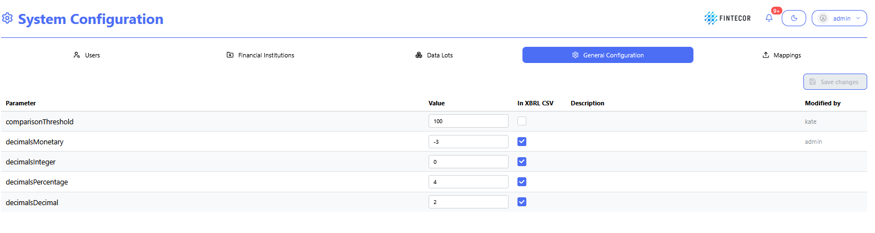
Context: Central configuration workspace showing general platform settings.
-
Key Components & Elements:
-
Platform Parameter Table: Configurable inputs for system parameters including
comparisonThreshold,decimalsMonetary,decimalsInteger,decimalsPercentage, anddecimalsDecimal. -
Configuration Controls: Includes editable value fields, "In XBRL CSV" inclusion checkboxes, description fields, and "Modified by" audit tags.
-
Action Controls: Features a "Save changes" button in the upper-right area to apply updated parameter configurations.
-