
Generate Delivery File
- Go to Reporting Set information page and select "Generate delivery file"
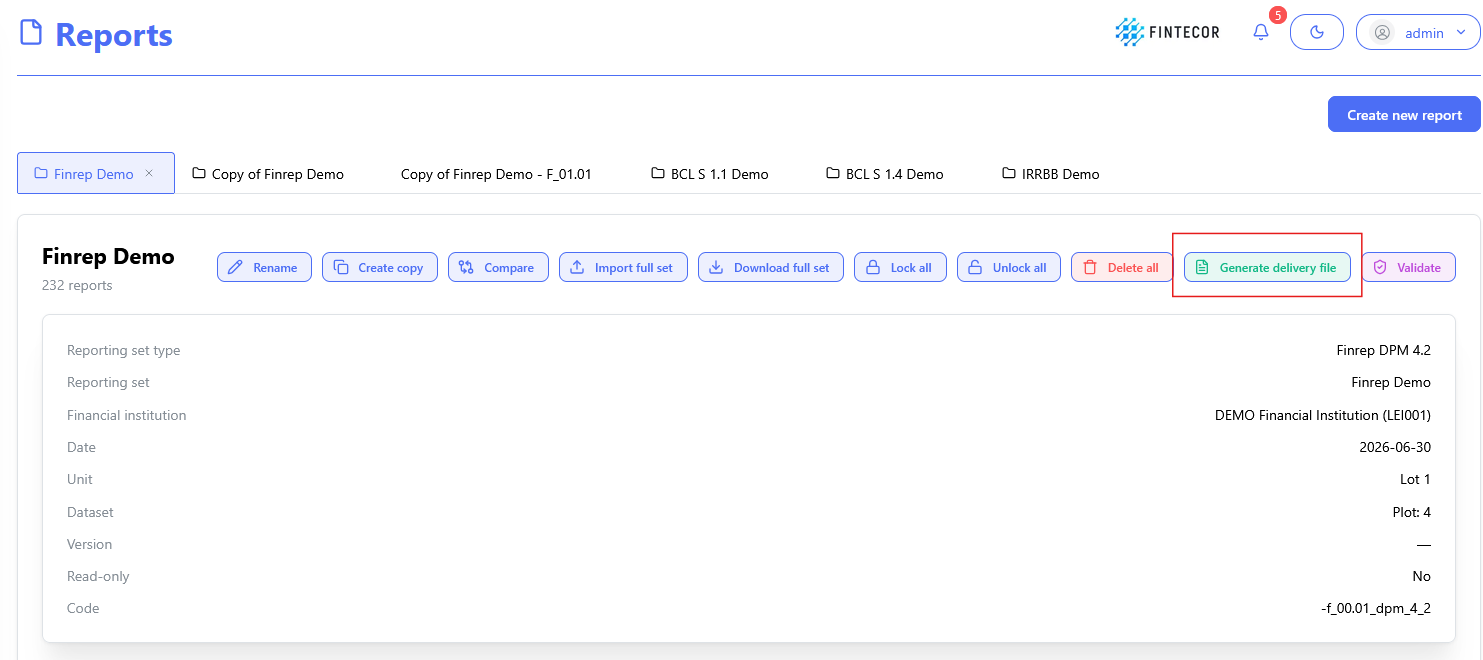
*For EBA reports function "Generate delivery file" could be unavailable in case filling indicators template for selected Report not fulfilled. Go to filling indicators template, fill filling indicators, save corrections and return to Reporting set information page.
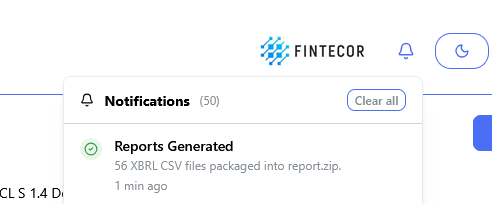
- When delivery filed generated, got to you Download folder.
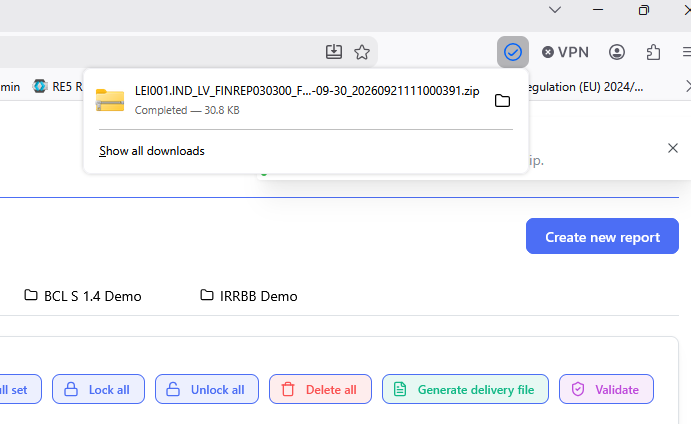
Institution and reporting level data taken from "Financial institution configuration"