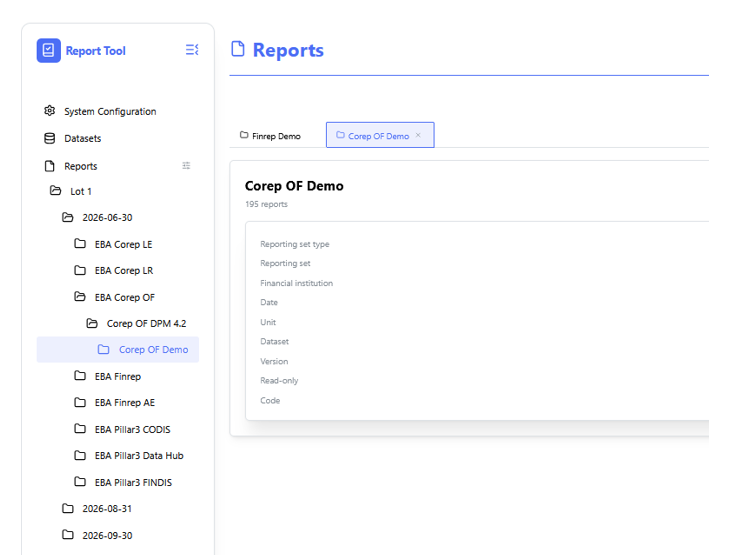
Navigation structure
Context: A full-height view of the primary left-hand navigation sidebar menu within the reporting application.
- Key Components & Elements:
-
Hierarchical Tree Structure: Displays parent and nested menu items organized by system functional areas, including System Configuration, Datasets, and Reports.
-
Active Selection State: Highlights the currently active navigation item or folder path within the interface tree.
-
Report Configuration is not available
-
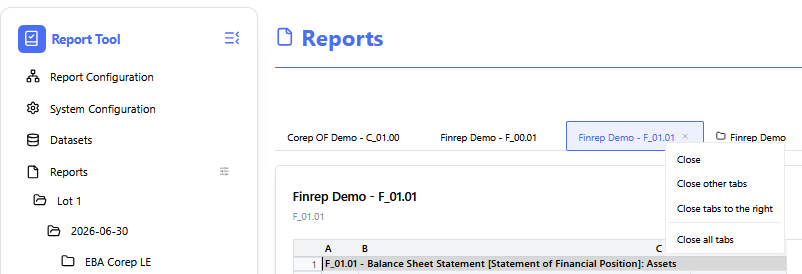
- Closing all opened tabs:
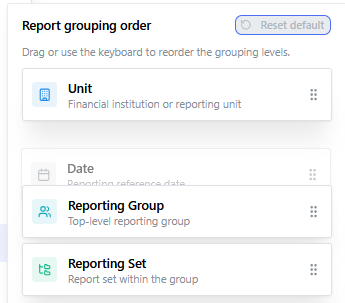
In order to change ordering in Reports part click on the icon.
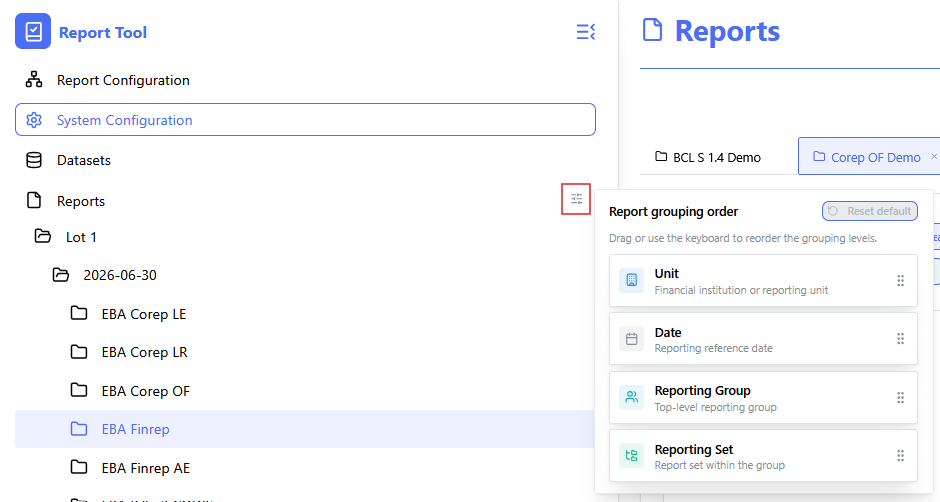
Drag and drop levels of ordering.