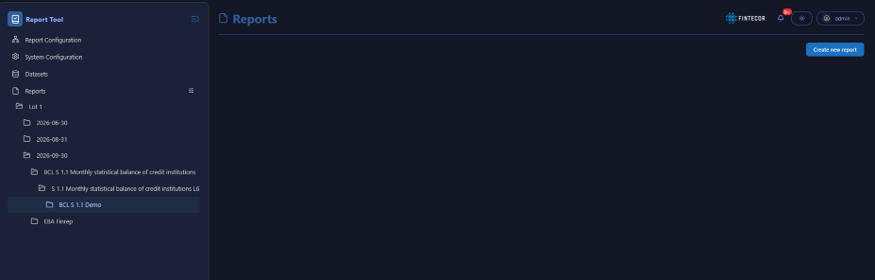
User Interface Management Overview
OptionContext: Illustrates how workspace layouts can be adjusted to changefit Columncomplex reporting tables.
Key Components & Elements:
Resize Handles / Grid Boundaries: Highlights interactive borders between columns and Rowrows sizes.within the data grid.
Excel-Style Interaction: Accompanied by documentation noting that standard spreadsheet click-and-drag mouse gestures can be used to modify row heights and column widths dynamically.
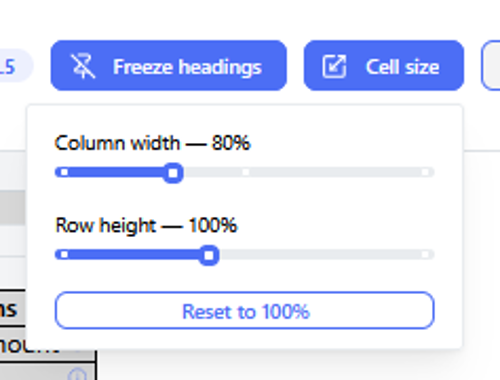
Or
Context: Shows an expanded view of workspace layout controls and table parameter configuration options within the sameapplication gestureinterface.
Key willComponents achieve& theElements:
View Controls: Highlights interactive elements for managing workspace density and element positioning.
Data Display Area: Demonstrates how data fields adapt to modified grid dimensions and custom layout structures.
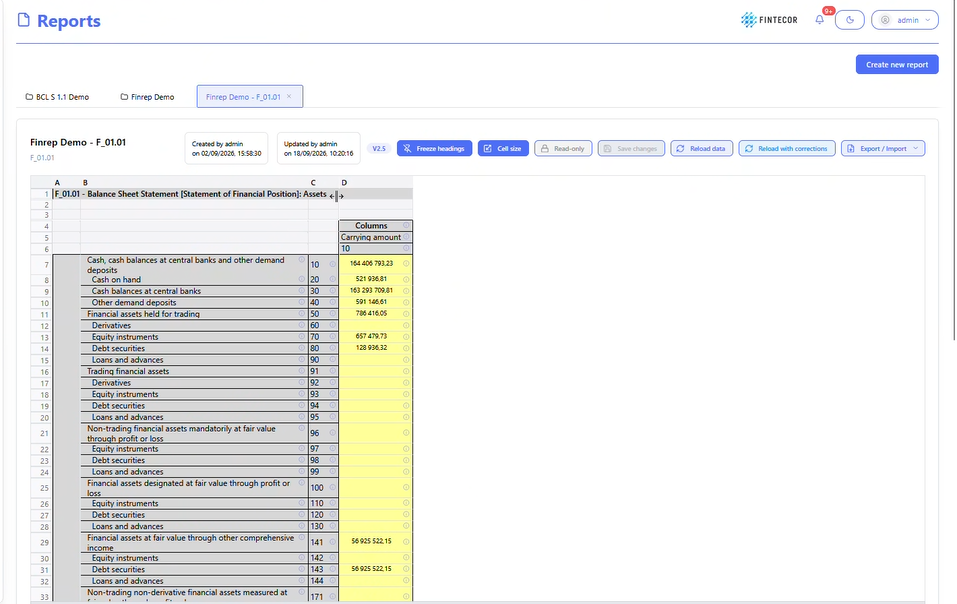
ThereContext: isFocuses optionon touser usepreference darkcontrols modelocated fromin the application header.
Key Components & Elements:
Theme Switcher: Displays the upper right right-hand corner.corner control button used to toggle between light and dark visual themes.
UI Header Area: Illustrates the surrounding status icons and user profile indicators in the top navigation bar.