User Access & Role-Based Permission
There are two roles possible, Admin and User
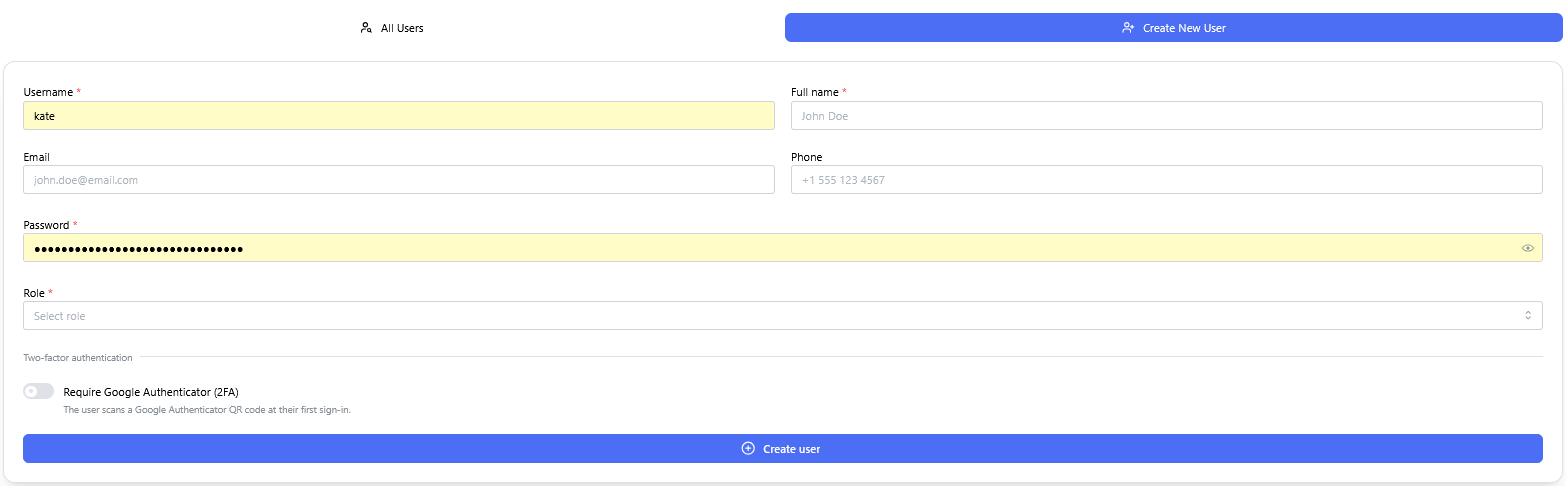
Context: Interface for provisioning new user accounts and assigning permissions within the system.
-
Key Components & Elements:
-
User Detail Input Fields: Captures essential user profile information, including username, full name, email address, phone number, and account password.
-
Role Assignment Controls: Configures access privileges with options to assign either Admin or User system roles.
-
Security & Authentication Options: Includes a toggle/checkbox option to enforce Google Authenticator (2FA) multi-factor authentication upon login.
-
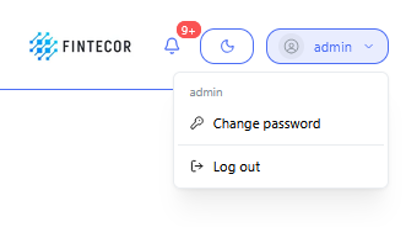
Context: User profile dropdown menu accessed from the main application header.
-
Key Components & Elements:
-
Active Session Indicator: Opened by clicking the "admin" user button in the top navigation bar to display current user context.
-
Account Actions: Features quick-access action links for Change password and Log out.
-