User Access & Role-Based Permission
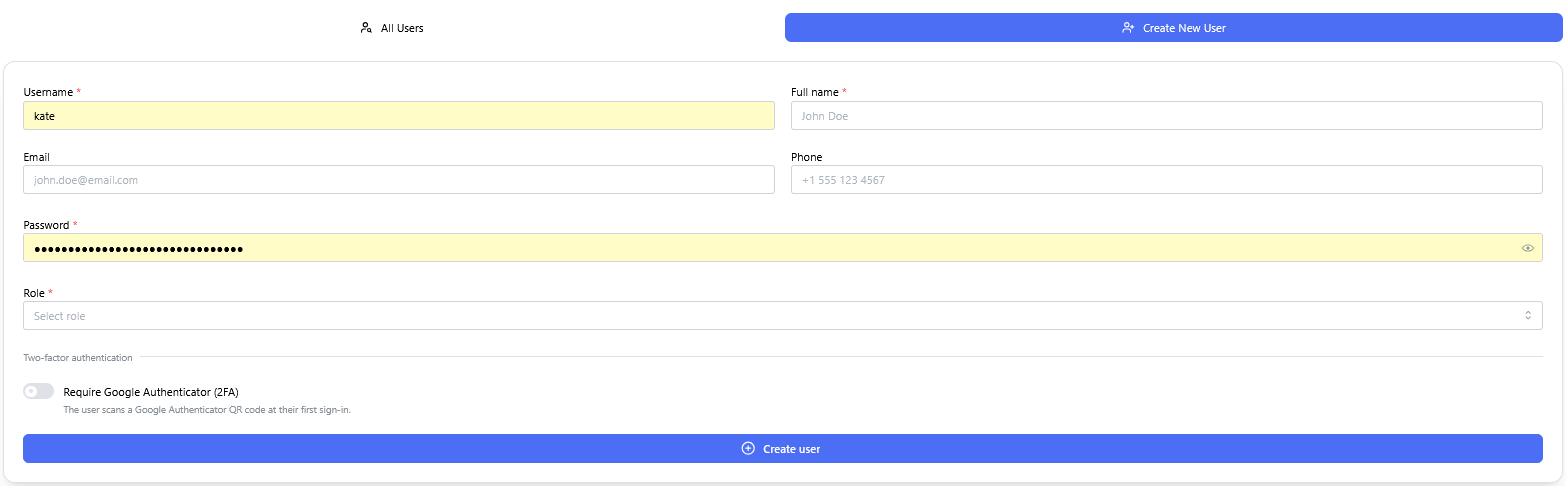
Create New User form, capturing username, full name, email, phone, password, role assignment, and an option to require Google Authenticator (2FA) for that user.
There are two roles possible, Admin and User
Context: Interface for provisioning new user accounts and assigning permissions within the system.
Key Components & Elements:
User Detail Input Fields: Captures essential user profile information, including username, full name, email address, phone number, and account password.
Role Assignment Controls: Configures access privileges with options to assign either Admin or User system roles.
Security & Authentication Options: Includes a toggle/checkbox option to enforce Google Authenticator (2FA) multi-factor authentication upon login.
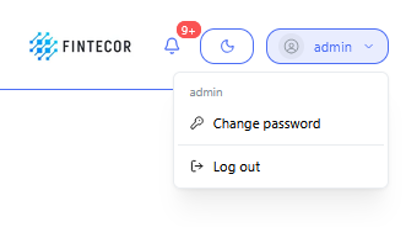
AccountContext: User profile dropdown menu openedaccessed from the main application header.
Key Components & Elements:
Active Session Indicator: Opened by clicking the "admin" user button in the top bar,navigation showingbar theto display current user andcontext.
Account Actions: Features quick-access action links for Change password"password and "Log out"out.