Manage Roles

Creating a Role
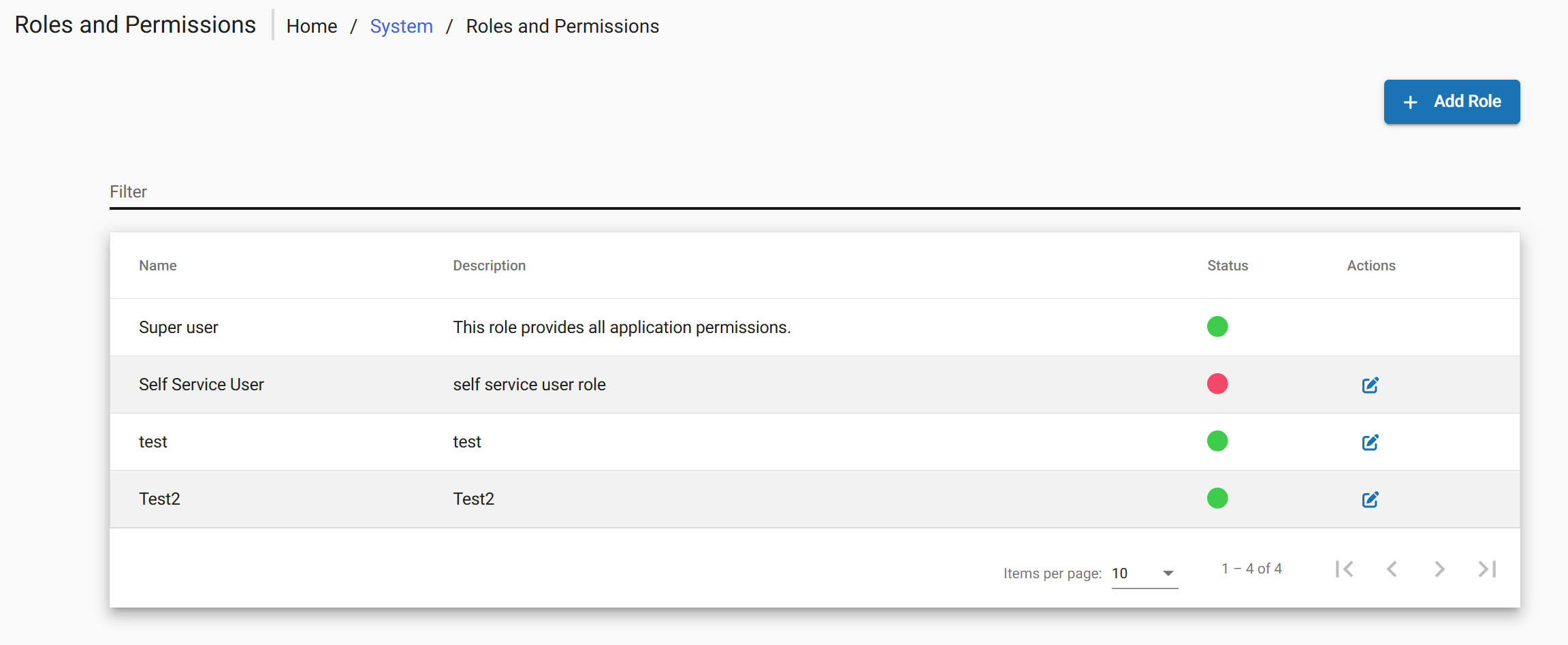
 

image.png

Editing a Role
Deleting a Role
Assigning a Role

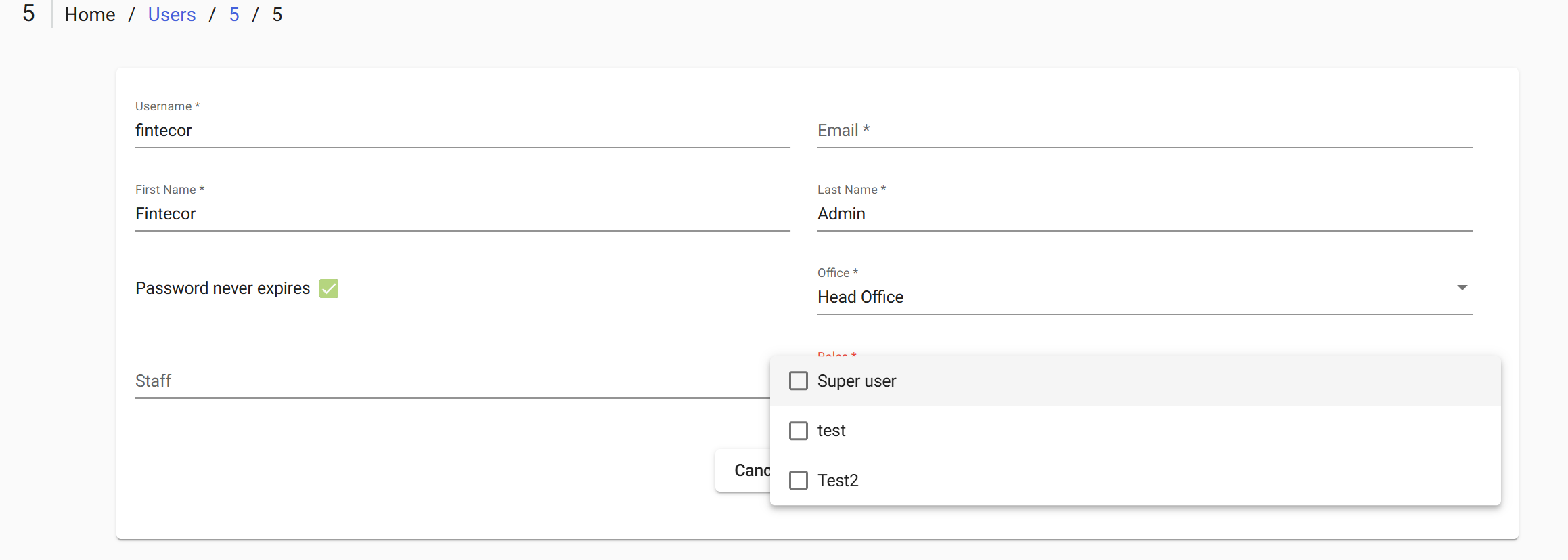
To apply Role directly through the interface:

        Admin > Users.

Users

>   Open the target user for editing.

editing

>  Select the Role field 

        Tick the checkboxes for the role to be granted.granted> Submit to save changes

 Select

Save User.

image.png

Roles Reference

The following tables describe the available permissions by functional category. Its administration available under

·        Admin > System > Manage Roles and Permissions.

After FintEdge setup the following default list of roles is configured:

Role

Permissions overview

Super User

  • A user with full system access and administrative privileges.

Back Office

  • Manage client lifecycle (Create, block, close, reactivate)
  • Open, update, and maintain savings accounts
  • Perform transfers 
  • View accounting, maintain journal entries
  • Manage and review system configuration data (products, currencies, code values etc.)
  • Execute approval (checker) actions across multiple processes
  • View main reports

Front Office

  • Create and update client profiles
  • Open, update, and maintain savings accounts
  • Read transfers
  • Support client requests and basic operations
  • View basic reports

Reports

  • View reports 
  • Access financial and operational data 
  • Export data for analysis 

Manage Users

  • Create, update, and delete users
  • Manage user access and permissions
  • Perform approval actions for user changes
  • View administrative configuration settings