Datasets & Input Sources
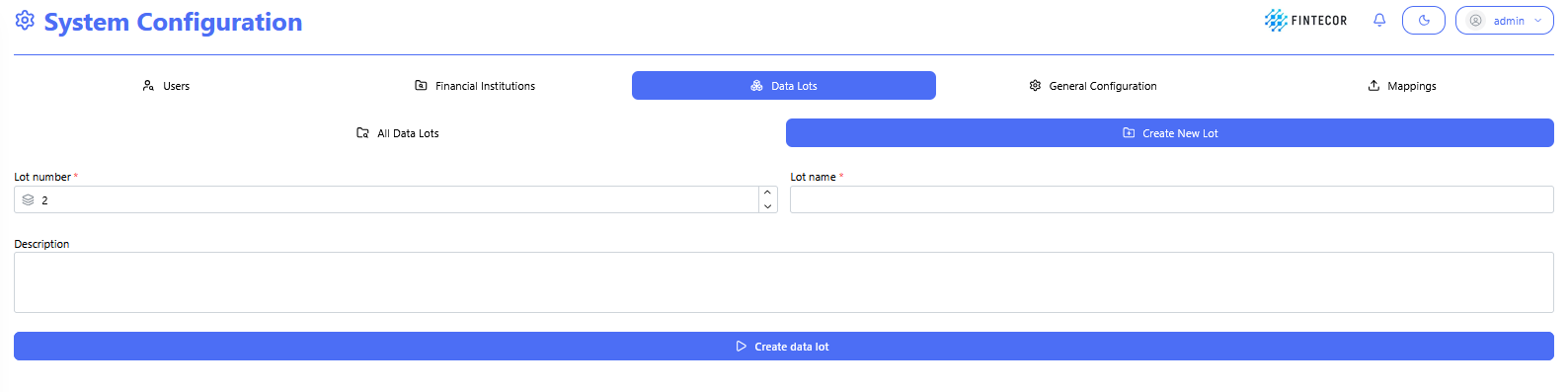
DataContext: LotInterface creationwithin screen underthe System Configuration,Configuration module where a new lotData isLots are defined withand created.
Key Components & Elements:
Lot Configuration Fields: Input controls to assign a lot number, name, and description.description for the unit.
Setup Actions: Action controls allowing users to save or update the configuration for the new data lot.
Datasets
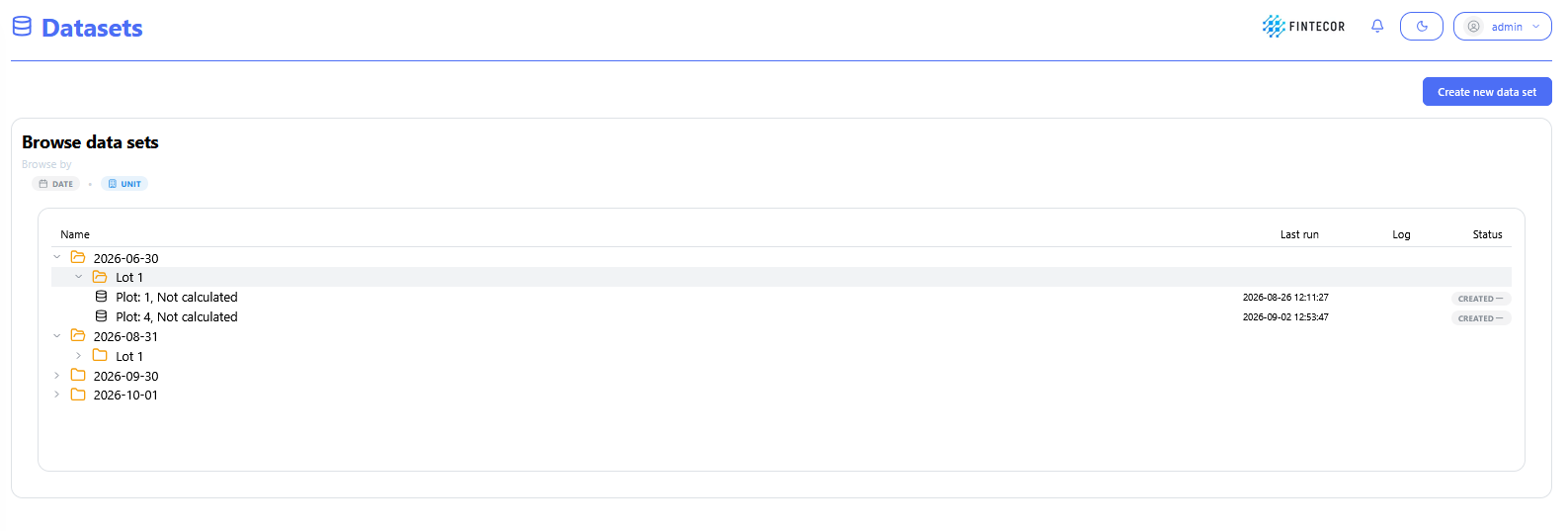
Context: viewMain management interface showing the structured data hierarchy arranged by reporting period and assigned unit.
Key Components & Elements:
Hierarchical Tree View: Categorized drill-down structured by date and unit (e.g., 2026-06-30 → Lot 1 → Plot 1/Plot 4), including last run timestamps and status.
Execution Metadata: Status indicators and last run timestamps displaying recent processing state.
Create
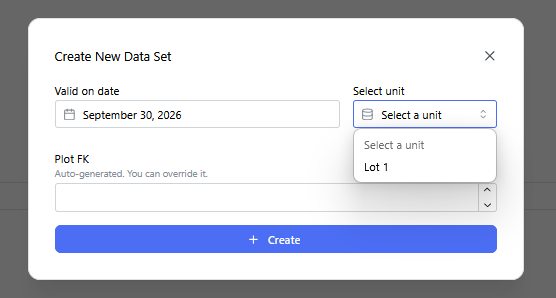
Context: Data SetModal dialog withprompt triggered when adding a new dataset to the platform.
Key Components & Elements:
Unit Selection Dropdown: An expanded "Select unit" dropdownmenu open,populated showingwith available unitsunits/lots.
Dataset Parameters: Form inputs required to link and initialize the new dataset.