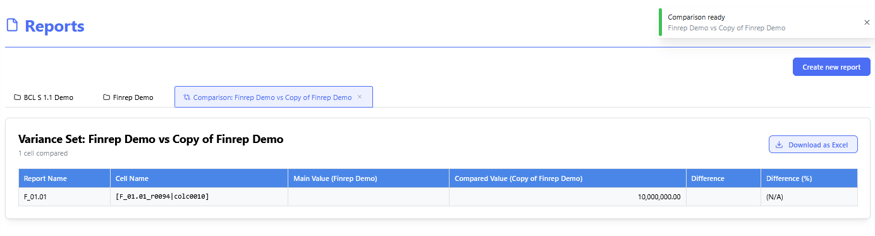
Validation Engine & Cross-Report Reconciliation
Context: The main landing view for the validation engine module.
-
Key Components & Elements:
-
Summary Metrics: High-level counts of total rules checked, passed validations, failed checks, and active warnings.
-
Status Breakdown: Visual indicators showing reconciliation status across different reporting packages or regulatory modules.
-
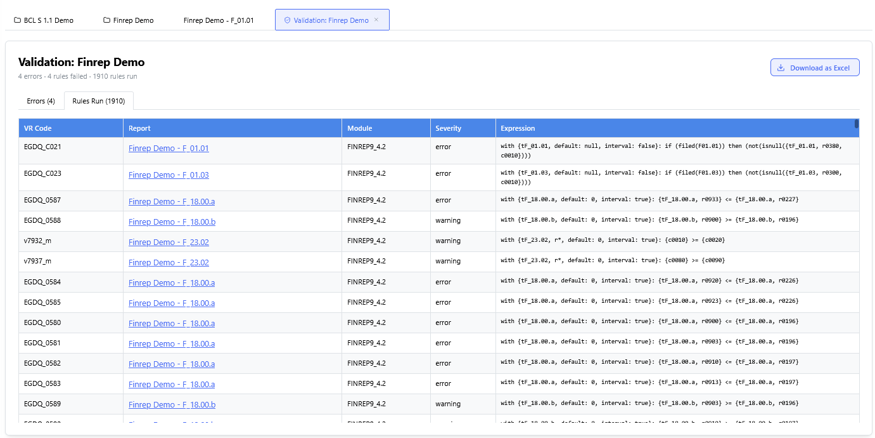
Context: Interface for creating or editing specific cross-report validation logic.
-
Key Components & Elements:
-
Rule Parameters: Fields defining rule IDs, descriptions, source reports/cells, and target comparison cells.
-
Formula & Tolerance Builders: Settings allowing tolerance thresholds or exact mathematical matching (
A == B).
-
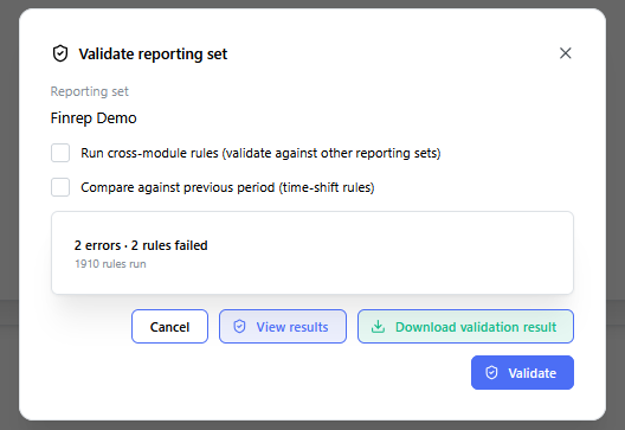
Context: A matrix grid comparing corresponding line items across different regulatory or financial reporting statements.
-
Key Components & Elements:
-
Comparison Columns: Side-by-side values from separate reports (e.g., Report A vs. Report B).
-
Variance Indicators: Highlights data discrepancies, highlighting differences in red or yellow depending on predefined thresholds.
-
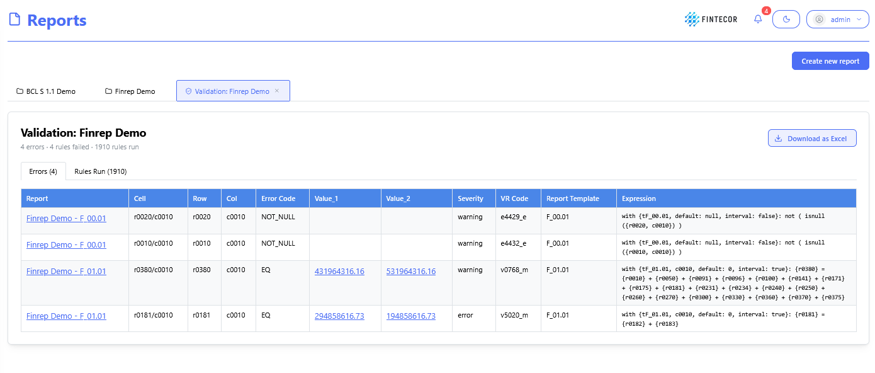
Context: Drill-down view for investigating a specific error or mismatch flagged by the reconciliation engine.
-
Key Components & Elements:
-
Root-Cause Analysis Panel: Displays underlying transactions causing the variance.
-
Resolution Options: Tools to acknowledge warnings, override exceptions with justification notes, or route issues to data stewards.
-
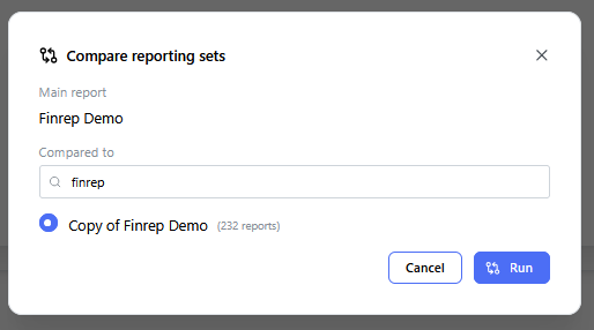
Context: Audit log tracking historical validation job executions.
-
Key Components & Elements:
-
Execution Timestamps: Shows when validation suites were triggered, who ran them, and their success states.
-
Batch Controls: Options to re-run specific validation suites or export execution logs for compliance audits.
-